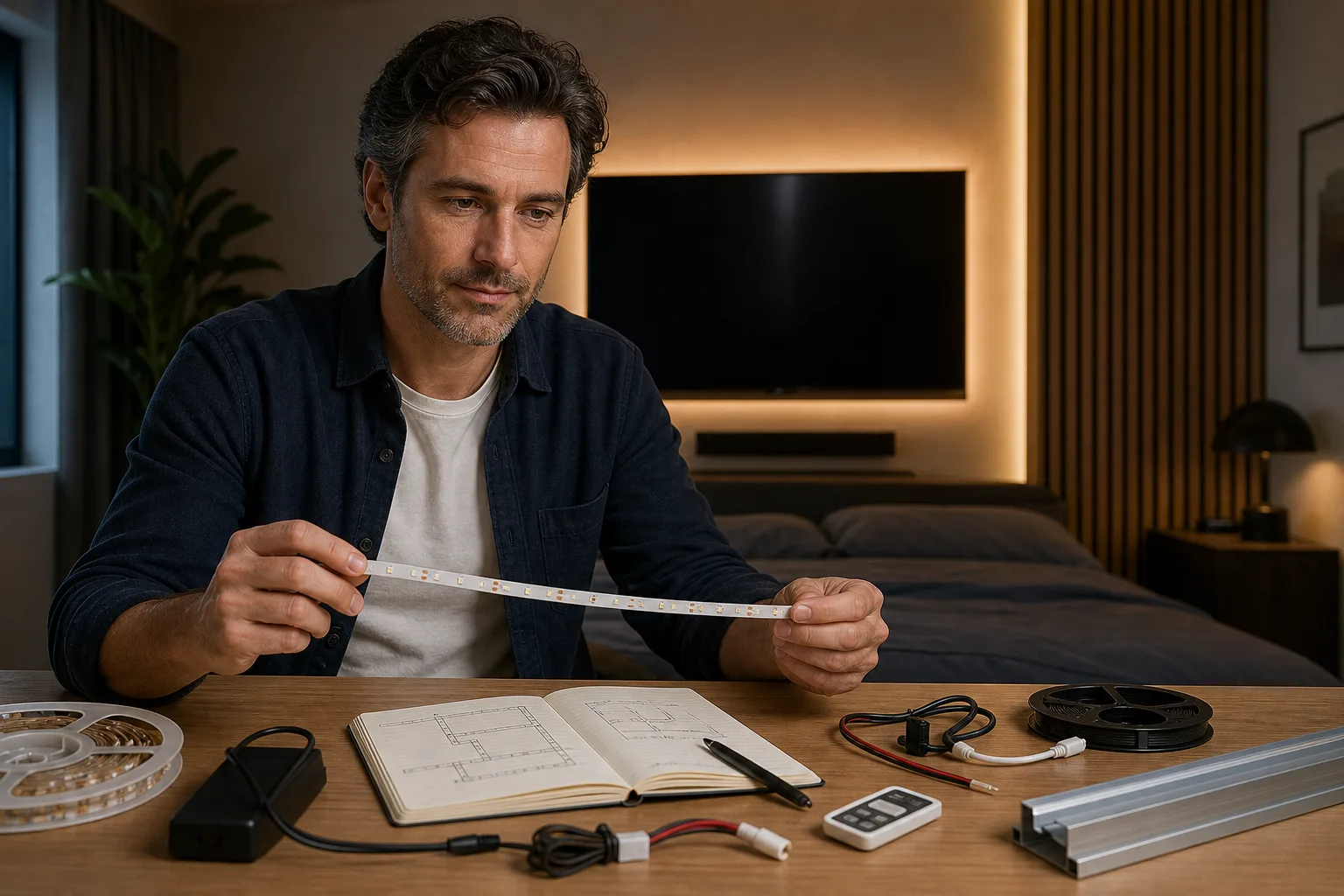
To plan LED strip lights for a bedroom TV, measure the actual mounting route—not the television’s diagonal—and compare that length with the strip’s permitted cut points, rated voltage, power per unit length, controller limit and specified power supply. A TV USB port is suitable only when documentation for the exact TV model states an output that matches the complete strip system’s requirements. The connector fitting into the port is not proof of electrical or control compatibility.
The compatibility decision in one checklist
This page is a planning worksheet rather than a universal product recommendation. LED strips, controllers and television USB ports do not all use the same voltage, current, communication method or standby behavior. Use the manuals, labels and data sheets for the exact models being considered.
Verify these points before connecting the strip
- Route: Record the distance along every TV edge or furniture surface where the strip will actually run.
- Cutting: Confirm the marked cut interval and whether cutting affects warranty, sealing or connector options.
- Voltage: The strip, controller and supply must be specified for the same system voltage.
- Power: Calculate the load from documented watts per foot or watts per meter and the planned operating length.
- Controller: Check its voltage, maximum load, channel configuration and supported strip type.
- TV USB: Find the port’s documented voltage, current or power output and its behavior when the TV is off or in standby.
- Safety: Stop if there is heat, damage, odor, sparking, buzzing or repeated power interruption.
The U.S. Department of Energy explains that an LED product’s electricity use and performance depend on more than the LED devices themselves: fixture design, power-supply efficiency and controls also matter. That system-level principle is why ratings must be checked as a set rather than treating the strip alone as the load. See DOE’s LED Basics.
Measure the TV route and plan the lighting layer
Measure the mounting path, not the screen size
A television’s advertised diagonal does not provide the perimeter of its back panel. Bezels, curved corners, ventilation openings, stands, wall brackets and connection panels can all change the usable route. With the equipment switched off and unplugged, identify a dry, stable path that does not cross vents, service labels, removable covers or ports that must remain accessible. Then measure that route in one unit from start to finish.
Keep feet with watts per foot, or meters with watts per meter. Convert only when necessary:
- Feet to meters: length in feet × 0.3048
- Meters to feet: length in meters × 3.28084
The purchased length must be long enough to reach a manufacturer-approved cut point. Do not assume a strip can be cut anywhere, folded sharply around a corner or rejoined with any generic connector. Product instructions control those decisions. For a broader comparison of strip types, color options and construction, use the LED strip guide.
Use the strip as an accent layer
A concealed strip behind a TV is normally an accent layer, not a substitute for ambient room lighting or a bedside task light. Plan it alongside the bedroom’s ceiling, wall and portable fixtures. Keep individual LEDs out of direct view where possible, and check the switched-off screen for distracting reflections before fixing the final route. The practical goal is a comfortable visual composition, not maximum strip brightness. The layered lighting guide explains how ambient, task and accent light serve different jobs.
Calculate strip power without inventing capacity
Power from length
Use the manufacturer’s maximum rated power per unit length for the exact strip mode being planned. An RGB or tunable-white strip may draw differently depending on which channels operate, so do not substitute a rating from a visually similar product.
Required strip power: P = L × p
- P = strip power in watts (W)
- L = operating strip length in feet or meters
- p = documented watts per foot or watts per meter
If a controller is between the supply and strip, its own consumption or input requirement must be handled as its manufacturer directs. Do not add an arbitrary percentage for headroom. Instead, use the supply model or sizing rule specified by the strip-system manufacturer and confirm that the controller is also rated for the resulting load. For a separate calculation workspace, open the LED strip power calculator.
Current at the rated voltage
When the documentation provides power but a controller or port is rated in amperes, the basic DC relationship is:
Current: I = P ÷ V
- I = current in amperes (A)
- P = power in watts (W)
- V = rated system voltage in volts (V)
This conversion does not establish compatibility by itself. The voltage must match, the connector polarity and pin arrangement must be correct, and every component must support the strip type and load. Use the maximum documented operating load where the instructions require it; do not base the decision on a temporarily dimmed setting.
Understand voltage drop and its limits
Voltage drop is the reduction in voltage along conductors carrying current. In simplified form:
Voltage drop: Vdrop = I × Rloop
Percentage drop: (Vdrop ÷ Vsource) × 100
- I is the operating current.
- Rloop is the total resistance of the outgoing and return path.
- Vsource is the specified source voltage.
The difficult input is total path resistance. It depends on conductor material, cross-section, length, connectors, joints and the strip’s internal copper layout. A route measurement and wattage label alone are therefore insufficient for a reliable voltage-drop result. There is also no universal acceptable percentage for every strip system; follow the exact manufacturer’s maximum-run, feed and connection instructions.
Possible symptoms can include reduced brightness toward the far end, color differences, unstable control or failure to start correctly, but those symptoms do not prove voltage drop. An undersized or incompatible supply, overloaded controller, poor connector, damaged strip or incorrect control setting can look similar. Do not probe an energized television, open a power supply or improvise wiring to diagnose the cause. If manufacturer support cannot resolve the question from documented ratings, ask a qualified electrical or electronics professional.
Check TV USB power and control behavior
Do not infer output from the USB socket
Record the TV’s full model number and consult its current manual, product label or manufacturer support material. Look for the output of the specific port, expressed as volts and amperes or watts. If both voltage and current are documented, theoretical power is:
Available power: Pavailable = VUSB × IUSB
Do not assume every port on the same TV has the same rating. A port intended for service, storage media, cameras or another accessory may have restrictions that are not apparent from its shape. Likewise, a USB connector on a strip controller does not prove that the TV can supply it.
Record the desired on/off behavior
Decide whether the strip should switch off with the television, remain available in standby or operate independently. Then compare that goal with documented TV behavior. Some models or settings may change USB power behavior, but only the exact TV documentation can establish what applies. If the behavior is undocumented, mark it unresolved rather than promising automatic synchronization.
If the television’s documented output does not satisfy the strip manufacturer’s input requirements, use only a manufacturer-approved power arrangement. Do not combine USB ports, alter cables, bypass a controller or assume that a higher-current supply is suitable without the product maker’s confirmation.
Copyable LED strip planning record
Copy this blank record and fill it with dated measurements and documentation for your own TV and strip models. Leave an item unresolved when a manual or label does not provide enough evidence.
| Planning item | Measured route / documented rating | Manufacturer model / source | Calculation / assumption | Compatible / unresolved / next action |
|---|---|---|---|---|
| Actual mounting route and unit | ||||
| Strip length / cut-point permission | ||||
| Rated voltage and power per length | ||||
| Controller and supply rating | ||||
| TV USB documented output | ||||
| Desired on/off behavior | ||||
| Heat / damage / safety stop condition |
Useful source entries include a manual title and page, a label location, a manufacturer data-sheet revision or a dated support response. A retailer description is not a substitute when it conflicts with the manufacturer’s specification.
Troubleshooting and safety stop conditions
Resolve documentation gaps before installation
- Recheck the exact model numbers of the strip, controller, supply and television.
- Confirm that units match before calculating.
- Compare the planned length with the strip maker’s cut and maximum-run rules.
- Verify the controller’s supported strip type and load.
- Mark TV USB compatibility unresolved unless the specific output and behavior are documented.
- Follow the product instructions and the practical preparation in the LED strip installation guide only after compatibility is established.
Stop using the equipment when warning signs appear
Disconnect the product if it can be done safely and stop using it when there is unexpected heat, discoloration, a burning or unusual odor, visible cable damage, sparking, buzzing, repeated shutdowns or a hot wall outlet. UL Solutions identifies odors, sparking, hot outlets, frequent breaker trips and buzzing among warning signs that warrant professional attention; see 8 Signs You May Have a Problem with Your Electrical Wiring.
A licensed electrician is needed for suspected faults in a receptacle, branch circuit or other building wiring, and for any mains-voltage alteration. A qualified product technician or the manufacturer should handle sealed power supplies, television internals and unresolved low-voltage equipment faults. This worksheet does not replace product instructions, electrical diagnosis or approval for a particular combination of devices.
Frequently asked questions
How do I calculate the LED strip length needed behind a TV?
Measure the actual mounting route along the back of the TV or surrounding furniture. Do not use the screen diagonal as the strip length. Compare the measured route with the strip’s documented cut intervals and buy a length that reaches a permitted cut point.
Can LED strip lights be powered from any TV USB port?
No. Use a TV USB port only when documentation for the exact TV model states an output that matches the strip or controller input requirements. The plug fitting does not prove voltage, power, control or standby compatibility.
How is LED strip power calculated?
Multiply the planned operating length by the manufacturer’s rated watts per foot or watts per meter: P = L × p. Use consistent units and follow the manufacturer’s specified power-supply sizing method rather than adding an arbitrary headroom percentage.
Why is an LED strip dimmer or a different color at one end?
Voltage drop is one possibility, but an overloaded supply, incompatible controller, poor connector, damaged strip or control setting can produce similar symptoms. Follow the exact product’s maximum-run guidance and seek qualified help if diagnosis would require energized testing or rewiring.