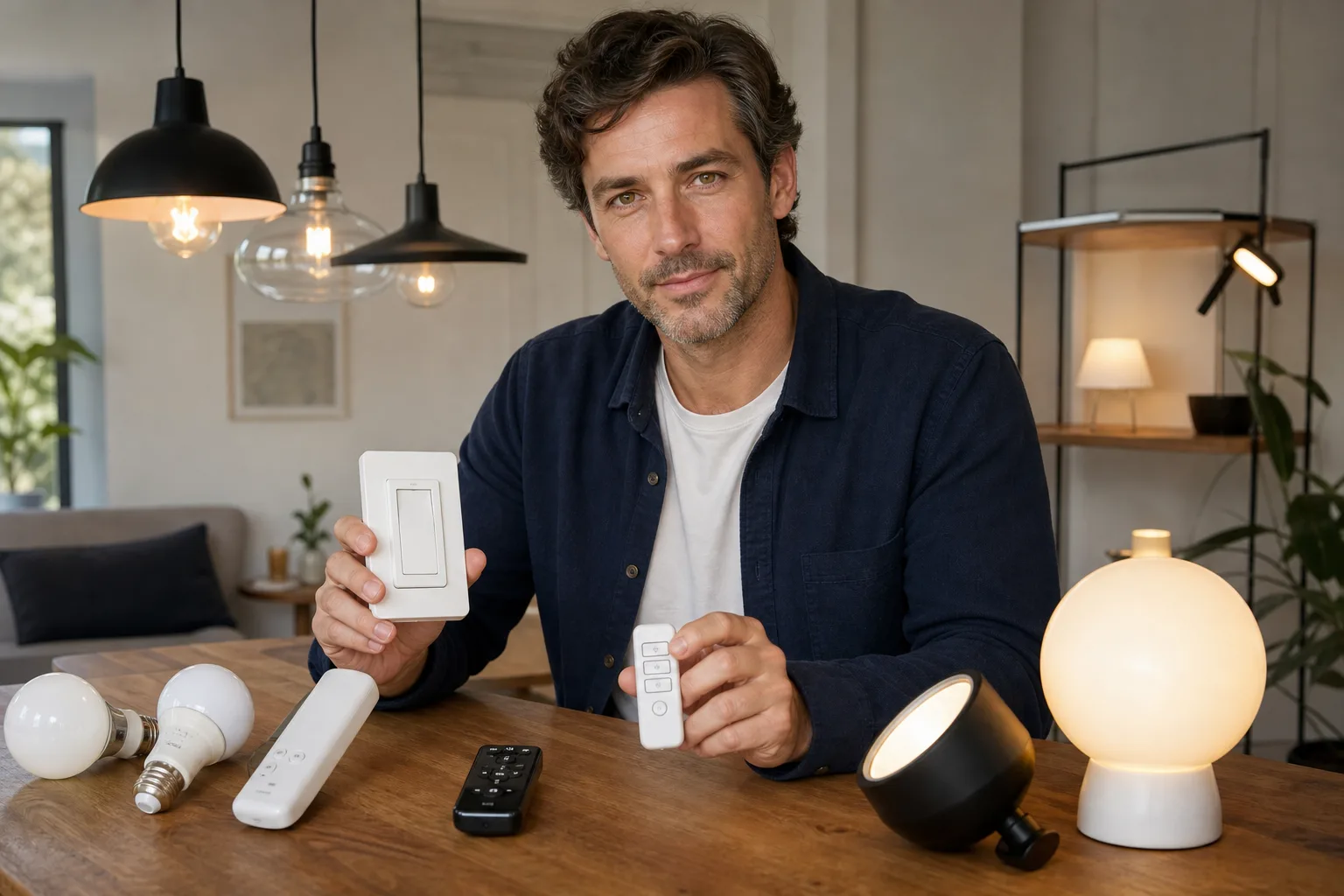
The best smart lights with physical controls provide ordinary on/off operation at the wall, retain useful local functions when the internet is down and have documented behavior after a power cut. For most ceiling lights, start by considering a locally operable smart wall switch controlling compatible, nonsmart LED lamps. Choose smart bulbs when you need individual lamp control, color tuning or separate scenes—but only if everyone can operate them without taking out a phone.
The short answer: rank local control before app features
A product page may advertise voice commands, schedules and remote access without explaining which features survive an internet or cloud outage. Before buying, separate four different dependencies:
- Load control: Can a person standing in the room turn the light on and off?
- Local automation: Do schedules, sensors and scenes run inside the device or a hub on the premises?
- Internet services: Which functions require an outside server?
- Account and app access: Is registration required for setup, daily control, sharing or recovery?
Rank a hardwired wall control with documented offline operation above an app-only bulb. A local hub with physical keypads or remotes can also be dependable, provided the hub has power and its rules do not require the vendor's cloud. Bluetooth can work without internet access, but a phone or nearby remote may still be necessary.
ENERGY STAR advises shoppers to decide in advance whether they want wall-switch or remote control, noting that phone-only access can be frustrating when several people use a space. It also distinguishes short-range Bluetooth products from systems intended for control away from home. ([energystar.gov](https://www.energystar.gov/products/smart_home_tips/smart_lighting?utm_source=openai))
Physical-control buying checklist
Do not accept a general statement such as “works locally.” Ask what remains available during each failure condition and request a manual or support document confirming the answer.
| Check | Prefer | Warning sign |
|---|---|---|
| Wall operation | A fixed switch, dimmer, keypad or mounted remote usable by anyone | The only control is an unlocked phone |
| Internet outage | On/off and basic dimming continue on the local network or directly at the control | The seller describes remote access but not offline behavior |
| Cloud outage | Local commands do not need a vendor server | Every command passes through an online account |
| Router failure | The wall control directly operates the load, or a remote communicates without Wi-Fi | The wall button is only a wireless trigger for a Wi-Fi service |
| Power restoration | A selectable restore mode: off, on or previous state | Behavior is undocumented or the lamp always turns on |
| Reset protection | A deliberate reset sequence that is difficult to trigger accidentally | Normal switch use can erase pairing |
| Account requirement | Guest or household control without sharing the owner's password | One personal account is the only route to daily operation |
| Product retirement | Core local control survives discontinued apps or servers | The product becomes an ordinary light—or unusable—without the service |
| Updates and security | A stated support process, authenticated access and documented update controls | No update policy or security information |
NIST treats a consumer Internet of Things product as more than the lamp or switch alone: associated apps, back-end services and gateways may all be components of the product. Its consumer IoT baseline covers capabilities such as configuration, data protection, interface access and software updates. That makes support policy and account security legitimate lighting-purchase questions, not merely technical extras. ([csrc.nist.gov](https://csrc.nist.gov/pubs/ir/8425/final?utm_source=openai))
Define what “offline” means before comparing products
Test four separate outage scenarios
Internet, Wi-Fi, cloud and electrical outages are not interchangeable. A Wi-Fi bulb might respond locally while the internet connection is down, yet become unreachable if the router fails. A hub-based remote may continue working without either, but only while the powered hub is functioning. A hardwired smart switch may still respond to its paddle without networking, although this must be confirmed for the specific model.
- No internet: The router and local network remain powered, but the outside connection is unavailable.
- No local network: The router or hub is off, rebooting or being replaced.
- No vendor cloud: Your home network works, but the manufacturer's servers or account system do not.
- No electrical power: Nothing operates until power returns, so restoration behavior becomes the key issue.
Check restoration and reset behavior
Ask whether the product returns to off, on, its previous state or a preset level after power is restored. “Previous state” may be convenient in a living room but undesirable in a bedroom after a nighttime outage. An automatic-on setting may also waste energy or surprise occupants when an empty home regains power.
Smart bulbs commonly require continuous power for wireless control. If someone switches off the supplying wall switch, automations and remote commands cannot reach the bulb. Repeated toggling may also initiate pairing or factory-reset behavior on some products. Confirm the exact reset sequence and whether it can be disabled or changed.
Choose the control architecture for the room
Smart wall switch or dimmer
This is usually the strongest starting point for a ceiling fixture or a group of recessed lights. It keeps the familiar wall location, controls the complete circuit and lets you use replaceable nonsmart LEDs. Verify the minimum and maximum load, lamp compatibility, required neutral conductor, single-pole or multi-location support, and what the paddle does when networking is unavailable.
A smart dimmer and a smart bulb should not be combined unless both manufacturers explicitly approve the arrangement. Each product may attempt to regulate power electronically, causing unstable operation, limited dimming, buzzing or flicker. Learn the underlying compatibility questions in the guides to choosing an LED dimmer and troubleshooting LED flicker.
Smart bulbs
Choose bulbs when individual lamps need separate brightness, color temperature or color settings. They suit table lamps, floor lamps and fixtures whose power will remain on. Add a clearly mounted wireless button or remote so guests and children do not need the app. Check whether that accessory communicates directly, through a local hub or through the cloud.
Match the bulb's base, shape, voltage, enclosed-fixture rating and physical dimensions to the fixture. Compare lumens rather than watts when selecting brightness; watts describe electrical power, while lumens describe emitted light. See the lumen guide, watts versus lumens and how to choose an LED bulb.
Smart fixtures and concealed relays
An integrated smart fixture can produce smooth color tuning and coordinated light, but its electronics or light engine may be difficult to replace independently. Ask whether ordinary wall switching remains possible and what happens if software support ends. A concealed relay can preserve a preferred switch style, but it adds equipment inside an electrical box and may require a neutral, adequate box volume and specific wiring.
Plan useful light before adding automation
Keep layers independently controllable
Divide the room into ambient, task and accent layers instead of placing every light on one command. Ambient light supports movement and general use. Task light serves reading, food preparation or desk work. Accent light emphasizes artwork, shelving or architecture. Keeping at least the essential ambient or task layer on an obvious local control prevents a failed scene from disabling the whole room. The layered-lighting guide explains this approach in more detail.
Place physical controls where people naturally enter and use the room. A home office may need a wall control at the door and a separate desk-level task control. A living room may benefit from an entrance switch for ambient lighting plus a handheld or tabletop scene remote near the seating area. Stairs, corridors and other circulation routes should not depend solely on voice recognition, presence detection or a phone.
Estimate light output with stated assumptions
Lumens rate source output; lux and foot-candles describe illuminance arriving on an area. One lux equals one lumen per square meter, and one foot-candle is approximately 10.764 lux. ([nist.gov](https://www.nist.gov/pml/special-publication-811/nist-guide-si-appendix-b-conversion-factors/nist-guide-si-appendix-b9?utm_source=openai)) For a rough first estimate:
Initial lamp lumens = target illuminance × room area ÷ (utilization factor × light-loss factor).
For example, assume a 180-square-foot room, a planning target of 12 foot-candles, a utilization factor of 0.60 and a light-loss factor of 0.80. The estimate is 12 × 180 ÷ (0.60 × 0.80) = 4,500 initial lumens. The target is an example assumption, not a universal residential requirement. Ceiling height, beam distribution, surface colors, fixture efficiency, glare and task placement can change the result substantially. Use the lumens calculator for an initial plan, then refine the layout by layer.
Check setup, sharing and long-term ownership
Read beyond the feature list
Download the setup and reset instructions before ordering. Look for direct answers to these questions:
- Can initial setup be completed without creating an account?
- Can a replacement phone reconnect without factory-resetting every light?
- Are schedules stored locally or online?
- Can several household members use physical and app controls without sharing one password?
- Does the product support multi-factor authentication for remote access?
- Can automatic updates be managed, and how long are security updates promised?
- Can the device be removed from the account and wiped before resale or disposal?
- Does a local integration remain available if the internet service is discontinued?
Offline operation does not automatically make a product secure, and cloud connectivity does not automatically make it unreliable. The useful distinction is whether core lighting remains locally available while remote features are protected by reasonable account and update controls.
Favor graceful failure
A well-planned system fails like ordinary lighting: the wall control still produces useful light, a missing phone inconveniences no one, and an automation fault can be overridden immediately. Avoid making a complex scene the only way to obtain normal white light. Store a simple, comfortable default level and document reset instructions for future occupants.
Installation and troubleshooting boundaries
Plug-in lamps and manufacturer-approved wireless remotes are generally the lowest-risk retrofit path. Hardwired switches, dimmers, relays and fixtures involve shock, fire and code-compliance risks. Use a licensed electrician when a device requires new wiring, when the neutral or grounding arrangement is uncertain, for multi-location circuits, aluminum wiring, crowded or damaged boxes, or whenever local rules require professional installation.
Electrical requirements vary by jurisdiction, and a locality may not yet have adopted the newest edition of the National Electrical Code. NFPA describes the NEC as a safety standard addressing compliant electrical design and installation, grounding, bonding and protection from shock, fire and equipment failure. ([nfpa.org](https://www.nfpa.org/product/nfpa-70-national-electrical-code-nec/p0070code/70-nec-spl-2026/7026spl?utm_source=openai))
A practical order of diagnosis
- Use the physical control. If it works, the lamp and branch circuit have power; investigate the app, network or service.
- Check the supplying switch. A smart bulb cannot respond wirelessly when its wall switch has removed power.
- Separate local and remote commands. Try a local button or remote before changing router settings.
- Confirm compatibility. Review supported lamps, dimmers, fixture types and load ranges.
- Avoid repeated resets. Do not cycle power rapidly until you know the documented reset sequence.
- Stop for electrical symptoms. Turn off the circuit and call an electrician for scorching, heat, arcing, damaged insulation, a burning odor or repeatedly tripped protection.
The final buying rule is simple: purchase the lighting function first and the online conveniences second. If a product's documentation cannot explain how its switch, remote, schedules and restore settings behave without the internet, treat offline operation as unconfirmed.
Frequently asked questions
Do smart lights work when the internet is down?
Some do, but the result depends on their control architecture. A hardwired switch may retain paddle control, while a hub-based system may keep local buttons and automations running. Cloud-routed commands may fail. Confirm behavior for internet, router and cloud outages separately.
Are smart bulbs or smart switches better for physical control?
A smart switch is usually the clearer choice for a ceiling fixture or whole lighting circuit. Smart bulbs are useful for individual control and color tuning, but they need continuous power and should be paired with an accessible compatible remote or wall control.
Can a smart bulb be used with a wall dimmer?
Not unless the bulb and dimmer manufacturers explicitly approve the combination. A conventional or smart wall dimmer can interfere with the electronics in a smart bulb. Smart bulbs normally expect full, continuous supply power and perform dimming internally.
What should smart lights do after a power outage?
Prefer a documented, selectable restore setting such as off, previous state or a chosen level. The best choice depends on the room: automatic-on behavior may be helpful in some circulation areas but disruptive in bedrooms.